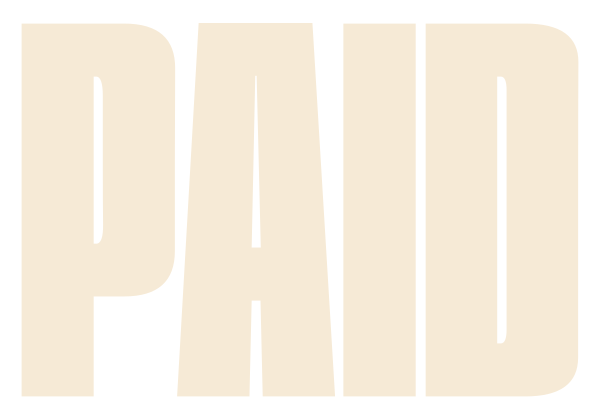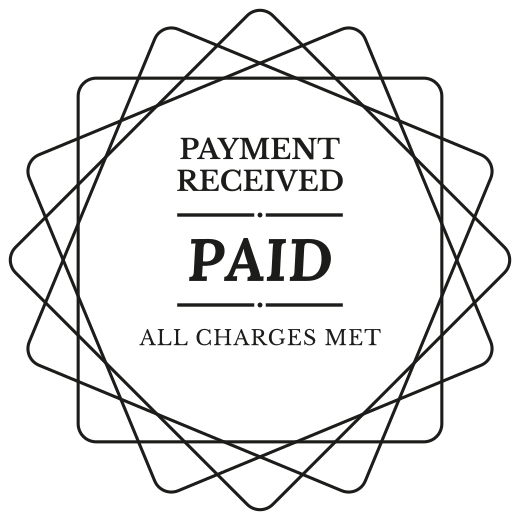
How to put a PAID stamp on a PDF invoice
A client pays and wants a receipt. The fastest receipt is the same invoice with PAID across it. Printing it, stamping it by hand and scanning it back takes a while and comes out crooked.
A PAID stamp on the PDF does the same job in a minute. The invoice keeps its numbers and its layout, the stamp says it is settled, and the file goes back to the client the way it came.
What to write
| PAID | the plain one, readable at any size |
|---|---|
| PAID IN FULL | when there were part payments before |
| PAID · THANK YOU | for a client you want to keep |
| PAID BY CARD, CHECK or BANK TRANSFER | when your books need the method |
| DEPOSIT PAID | for the first part of a job |
| PAYMENT CONFIRMED | for a client who asks for written confirmation |
| PAID · THANK YOU FOR YOUR BUSINESS | on the last invoice of a project |
Where it goes
- Over the total on the last page, where the client looks first.
- In the top corner, when the total sits in a busy table.
- On a scanned paper bill, before it goes into the paid folder.
- On a receipt for a deposit, so both sides know what is still to come.
How to choose
- Red ink on a black and white invoice. Navy or black on a coloured one.
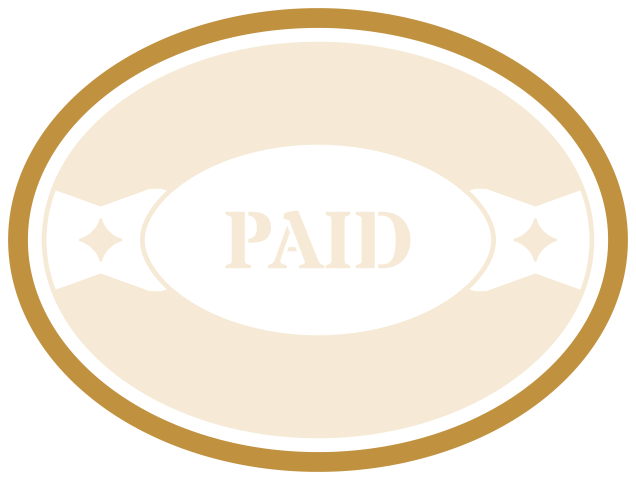
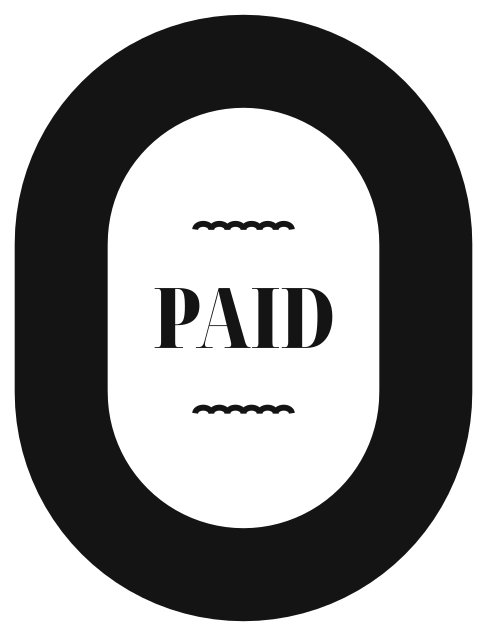
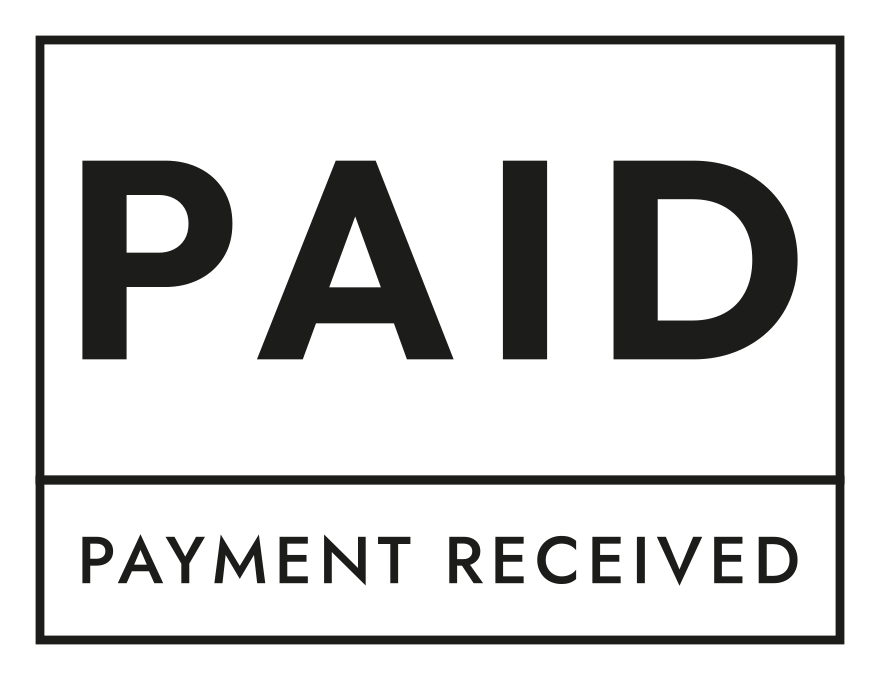
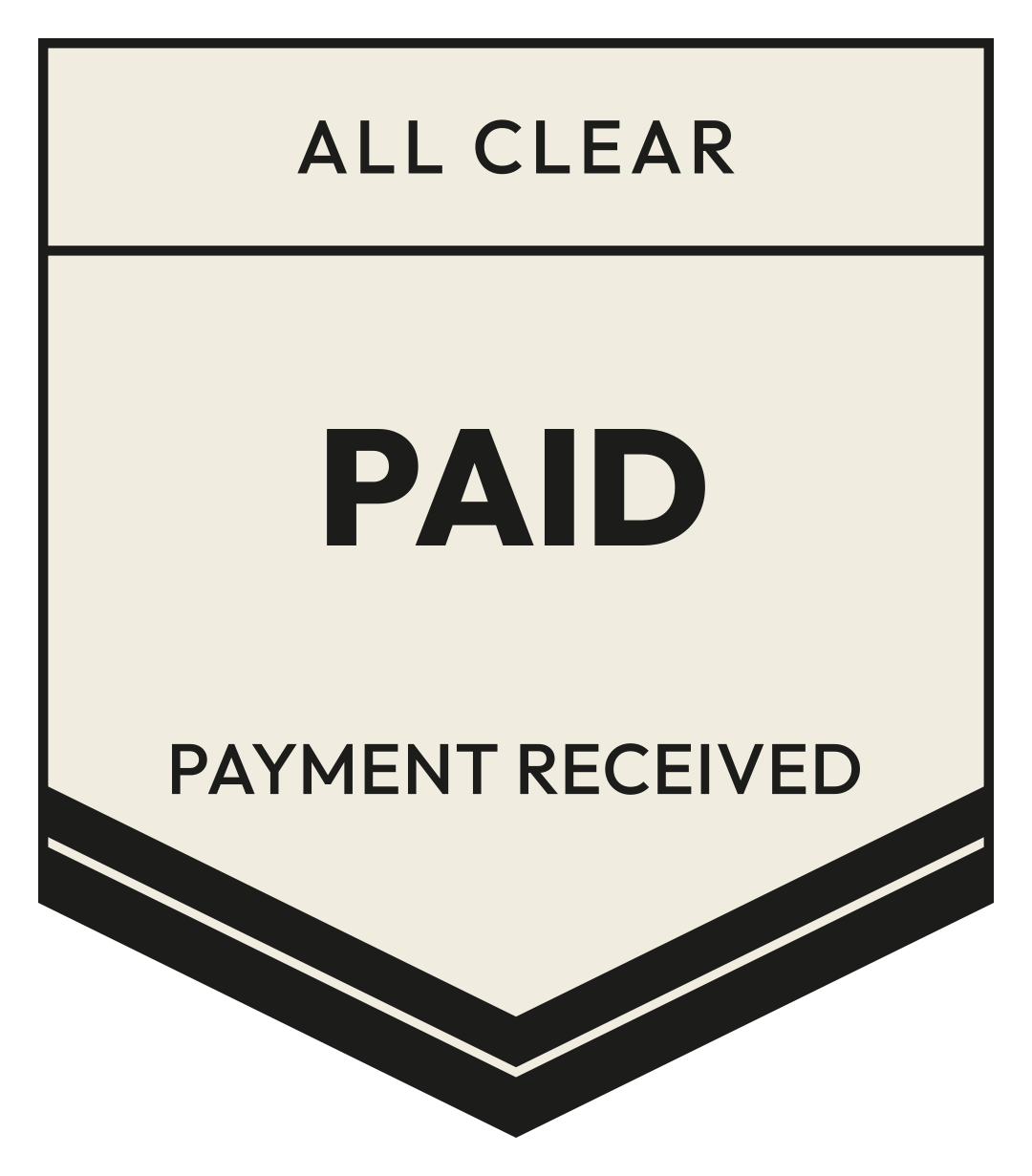
- A rectangle sits well in the corner. A round stamp works over the total.
- Stamped edge looks pressed by hand. Clean edge looks printed. Both read the same.
- About a quarter of the page width. Smaller than that, the words blur on a phone.
- Turn it a few degrees. A stamp set dead straight looks pasted on.
How to use
- Open a paid stamp and pick the ink.
- Press Insert to image or PDF and choose the invoice.
- Drag the stamp to the total, resize it with the corner, turn it a little if you like.
- Download. The PDF is changed in your browser and never uploaded.
- For Adobe Acrobat: download the PNG, then in Acrobat open Stamps, Custom Stamps, Create, and choose the PNG. It stays in your stamp list.
Questions
- Is my invoice uploaded anywhere?
- No. The stamp is placed on the PDF in your browser, and the file stays on your device.
- Is a stamped invoice a legal receipt?
- It is a picture of a stamp on your invoice. Whether it counts as a receipt is up to you and your client; many businesses send it as one.
- Can I add the date?
- Put the date in the invoice itself, or in your PDF app next to the stamp.
From the collection