Stamp maker online
Type the words for your stamp and the site draws it in dozens of stamp designs: round, rectangular and oval, clean or with a stamped edge. Free, no account, no watermark.
Make your stamp
It starts with PAID IN FULL. Change the words at the top of the page.
Paid stamps
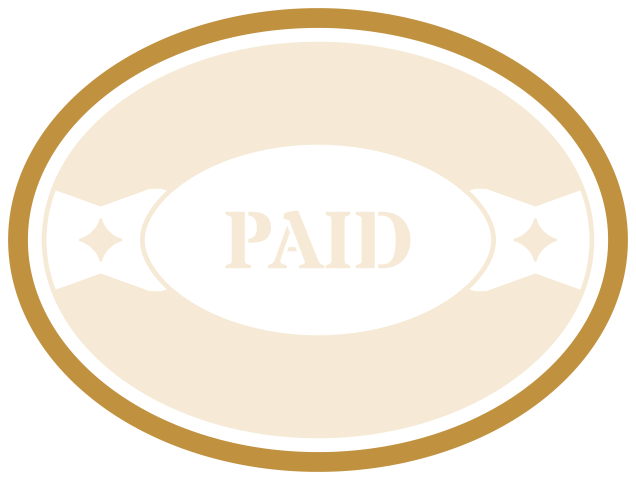
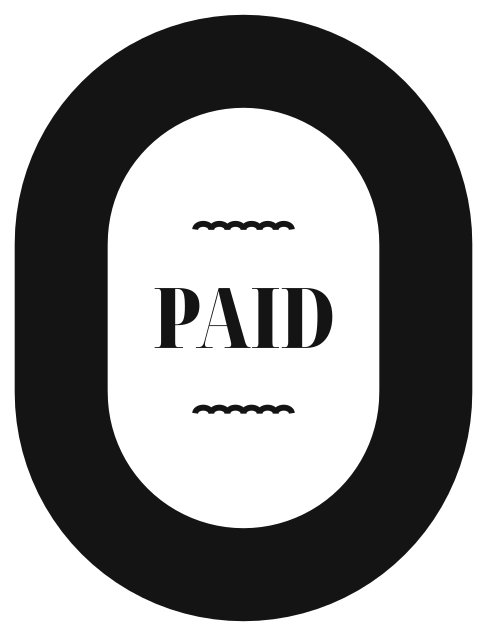
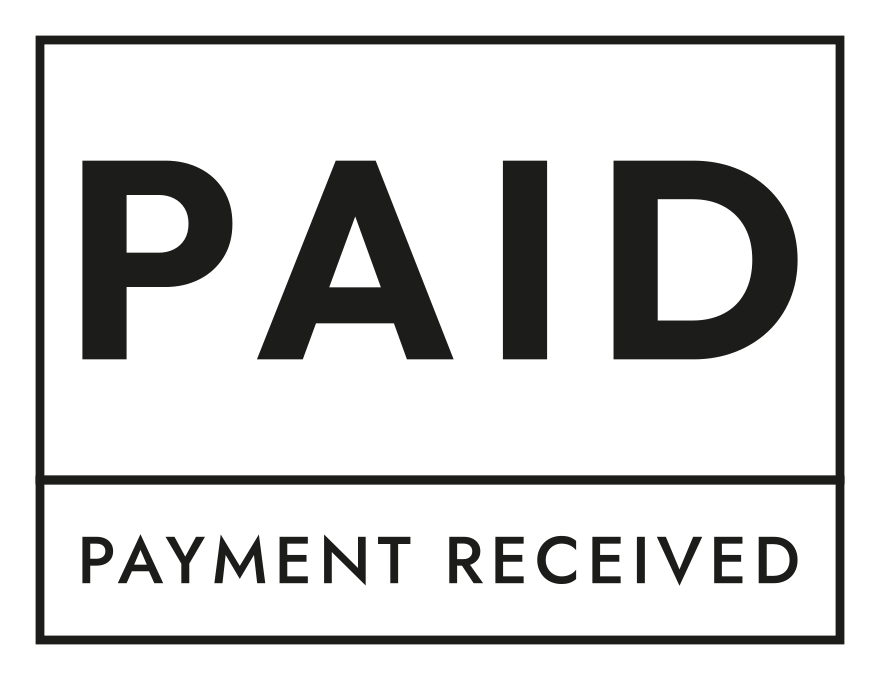
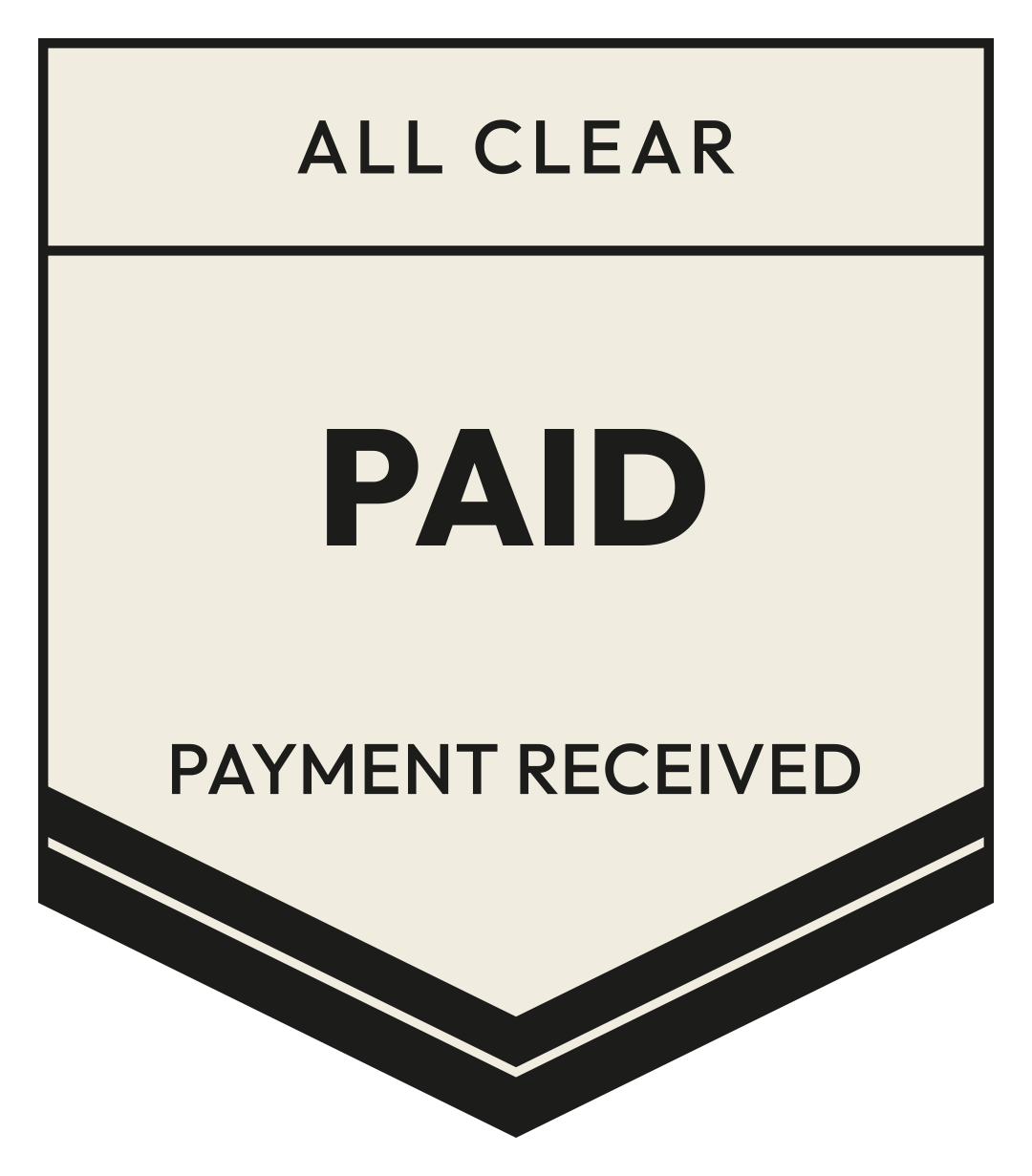
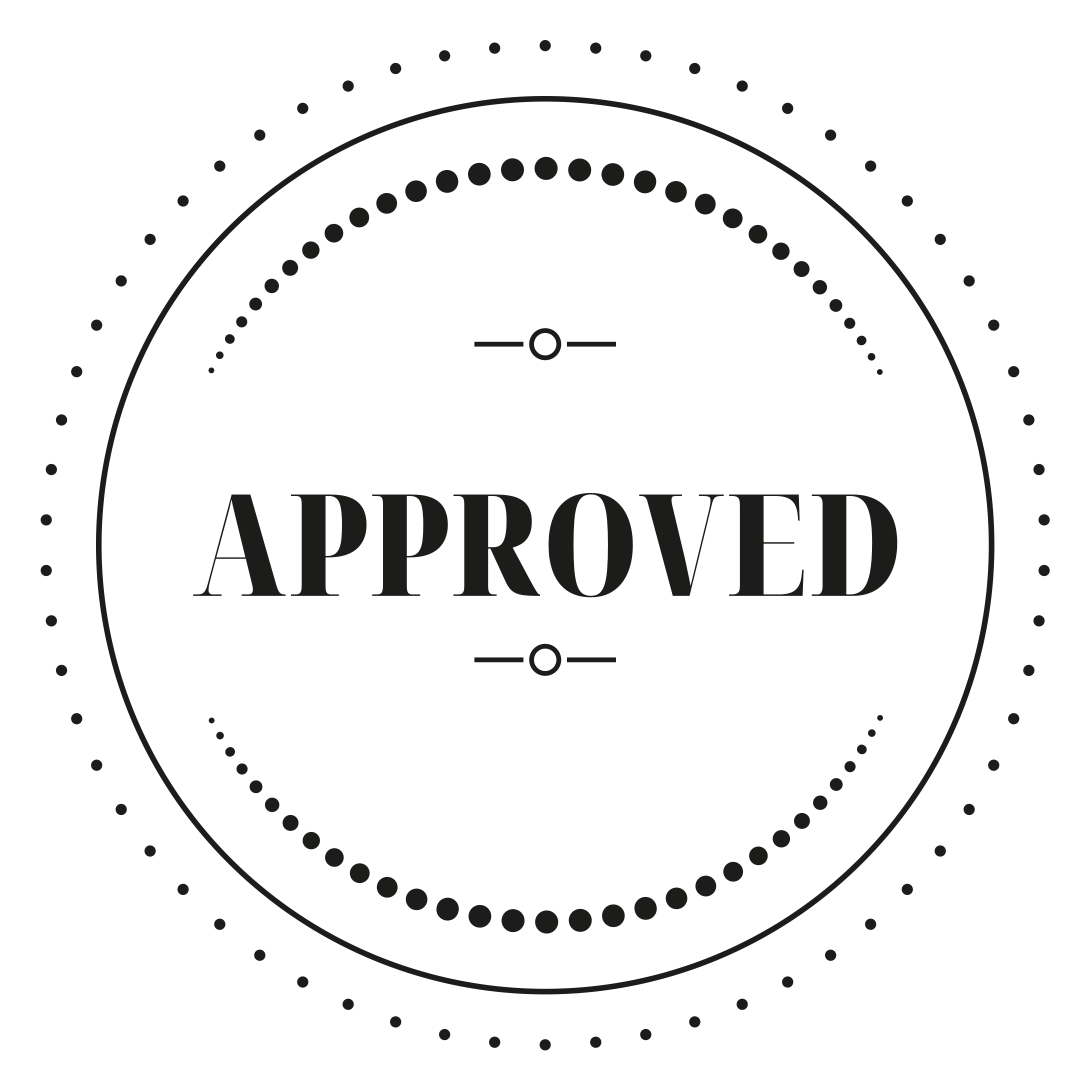
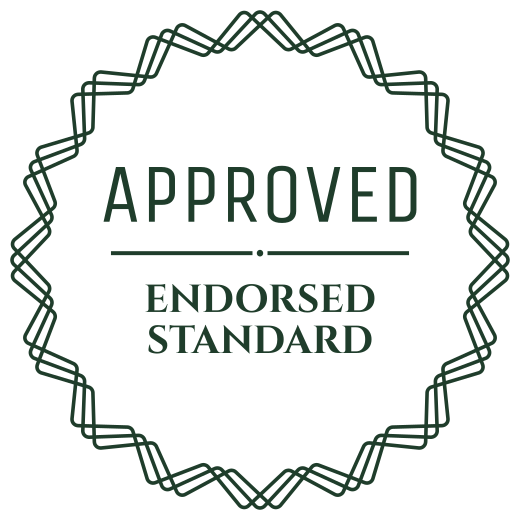
Approved stamps

How to make a stamp
- Type the words in the box at the top: PAID, APPROVED, RECEIVED, your company name, anything.
- Press Badge this. The stamp is drawn in many designs at once.
- Open the one you like and pick its ink, and the stamped edge if you want it to look pressed by hand.
- Download a transparent PNG, an SVG, or an animated GIF that stamps itself in.
- To stamp a PDF, press Insert to image or PDF and place the stamp on your file. The file stays on your device.
Questions
- Is the stamp maker free?
- Yes. Every stamp is free for any use under CC0, with no account and no watermark.
- Can I put the stamp on a PDF?
- Yes. Open a stamp, press Insert to image or PDF, choose your file and place the stamp. The PDF is changed in your browser and never uploaded.
- Can I order a rubber stamp here?
- No. The stamps here are digital files: PNG, SVG and GIF. You can send the SVG to a rubber stamp maker to have one made.